

Getting started for partners
Get up and running with the Perk API and start developing your integration.
- Get your OAuth 2.0 credentials so Perk can authenticate your requests
- Import the Postman collection to explore all available endpoints
- Make an API request using Postman or cURL
In this quickstart guide, you retrieve all expenses for a particular date.
If you need to create an integration with Perk's sandbox environment, see Publishing an integration.
Step 1 - Get your OAuth 2.0 credentials
Use OAuth if you're a Perk partner accessing other people's Perk accounts and data. To get started, contact your Perk partner manager to discuss your use case.
To create an application, share the following:
- the name of your tool, website, or project
- a redirect URL
- a logo image
- the API endpoints you'll be using
Perk then provides you with a client ID and a client secret.
Storing client IDs and client secretsStore this client secret securely. Don't commit it to version control or include it in frontend code.
For details on how the OAuth flow works, see OAuth guide.
Step 2 - Import the Postman collection
To import the Postman collection, you need the Postman app for Windows, MacOS, or Chrome. You can download any of these from the Postman apps page.
Then, use this button to import the collection:

Postman prompts whether you want to open the Collection in Postman for Chrome or Postman for Windows/Mac. Select the application you installed.
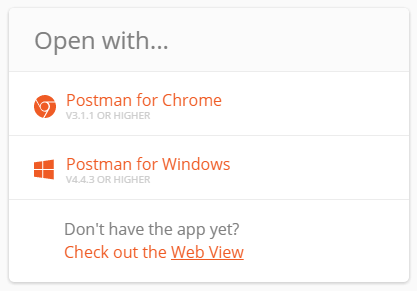
Once you make a selection, the selected Postman application opens and the collection starts to import.
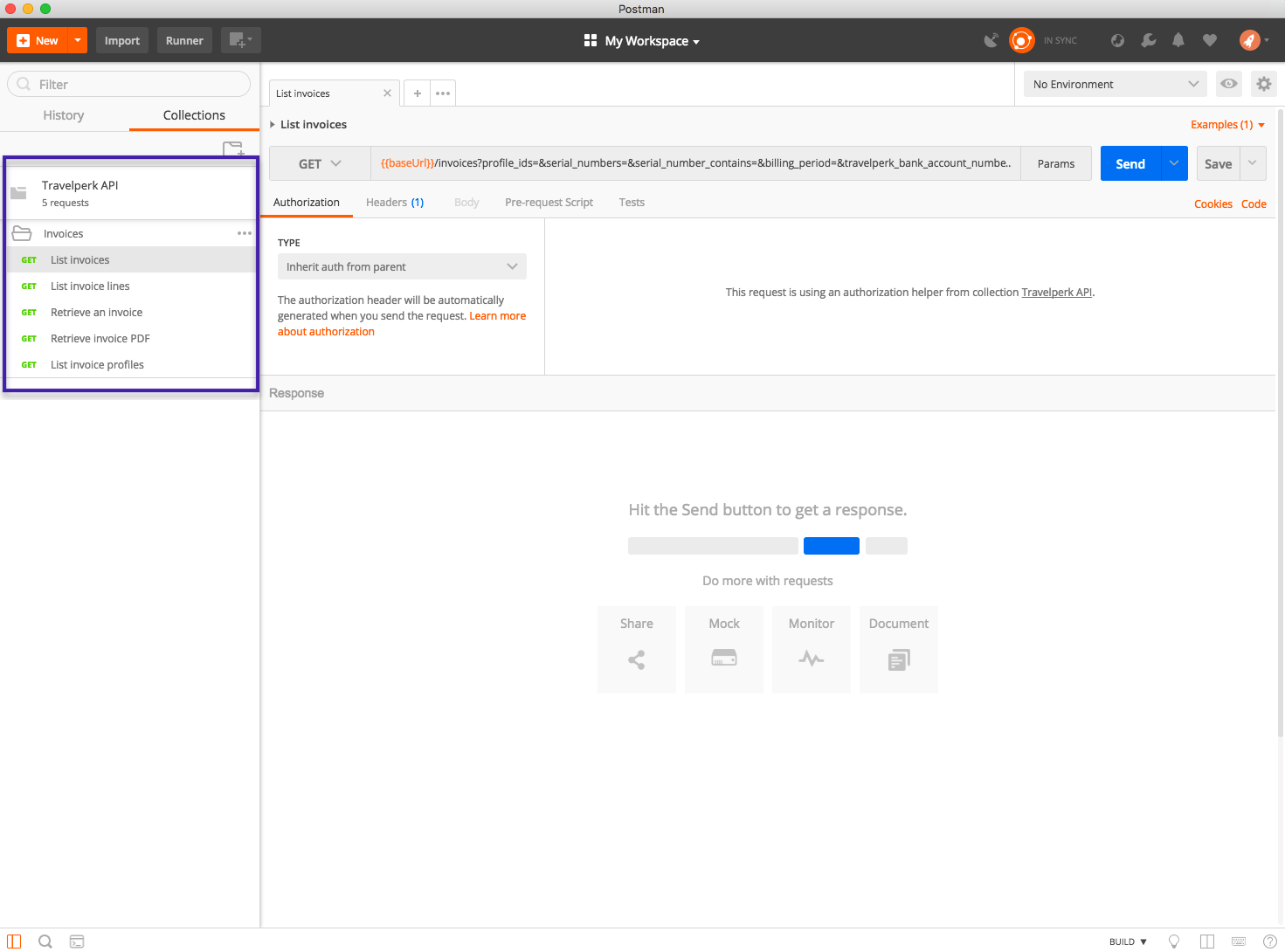
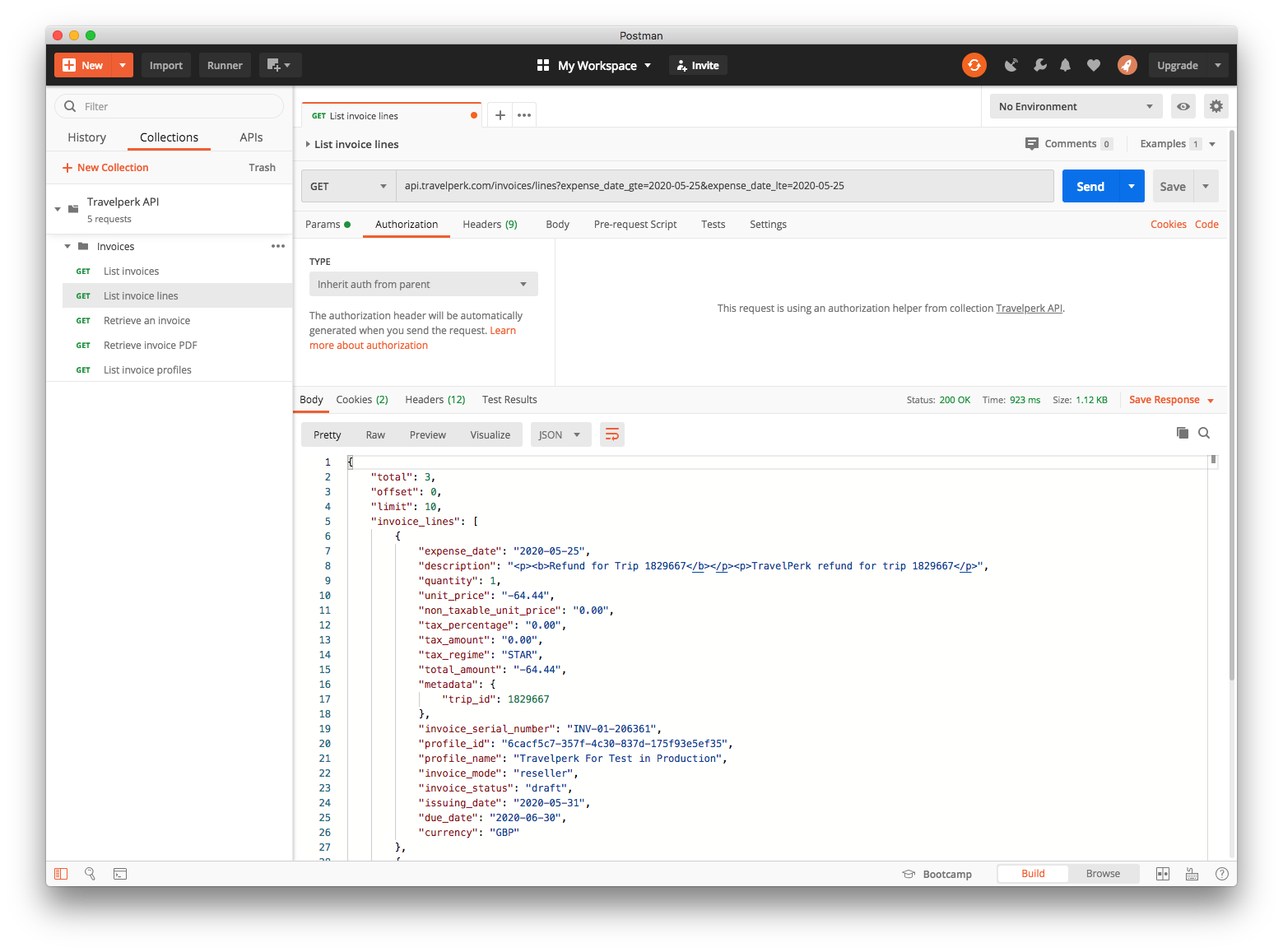
Step 3a - Make an API request using Postman
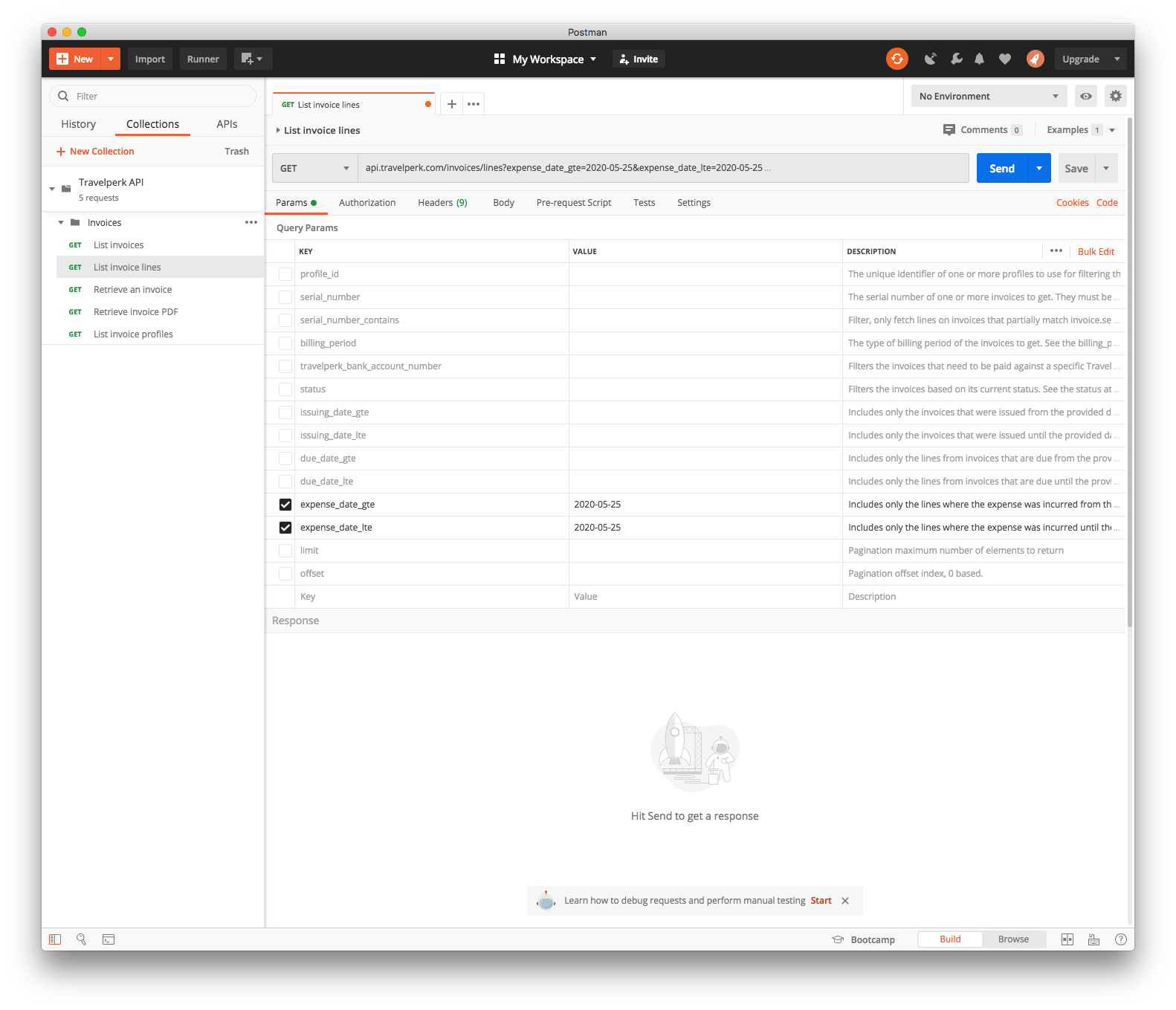
You retrieve all expenses for 2020-05-25 using the List all invoice lines endpoint with expense_date_gte and expense_date_lte.
Add the token returned in Step 1 to the Authorization header: Authorization: Bearer {{oauth_token}}.
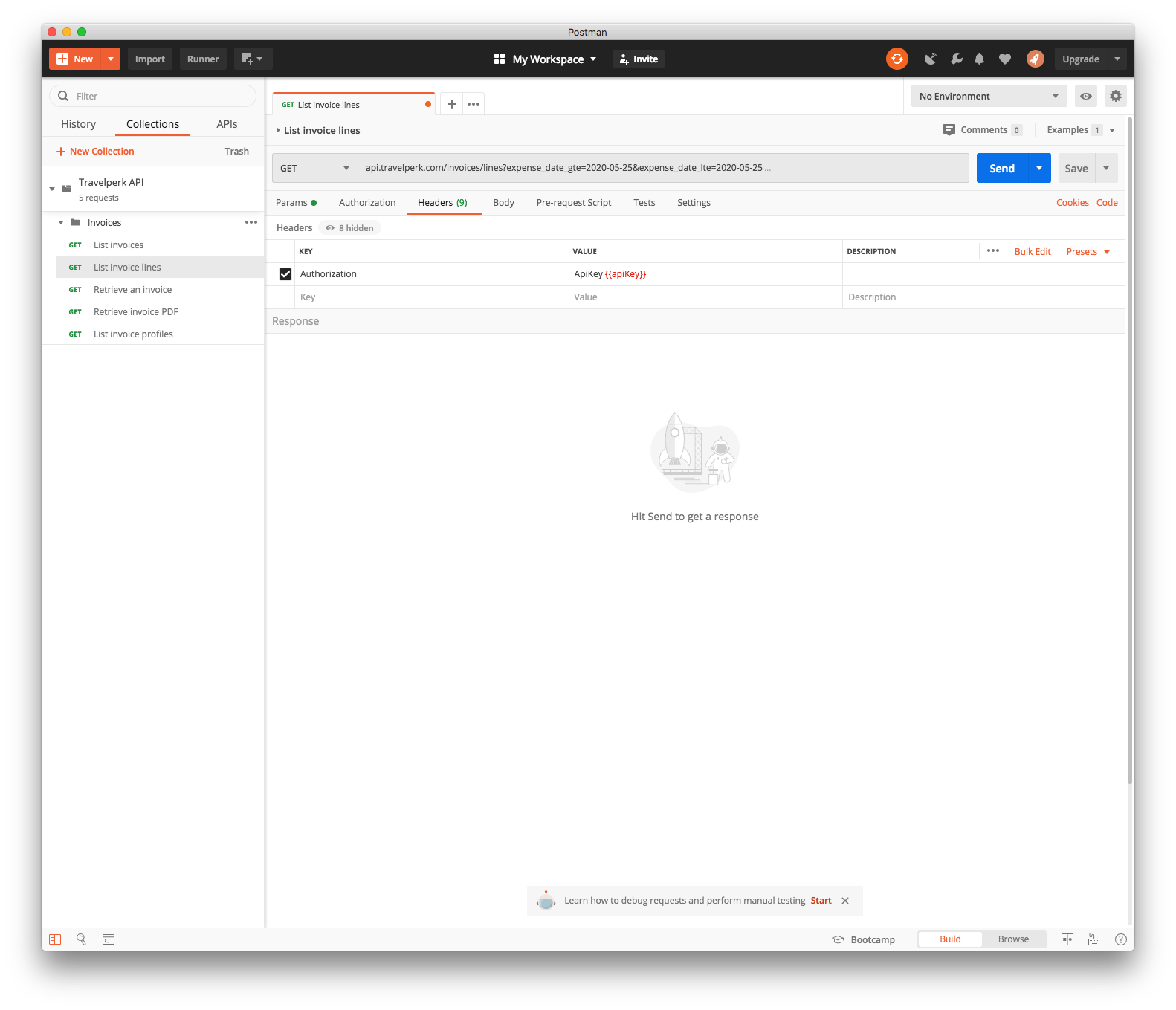
Press Send, and the request returns all expenses for the date selected.
Step 3b - Make an API request using cURL
If you'd rather skip Postman, you can make the same request with cURL. The example below retrieves all expenses for 2020-05-25 using the List all invoice lines endpoint with expense_date_gte and expense_date_lte.
curl \
  --url "https://api.perk.com/invoices/lines?expense_date_gte=2020-05-25&expense_date_lte=2020-05-25" \
  --header "Authorization: Bearer <your_access_token>" \
  --header "Api-Version: 1"
The request returns all expenses for the date selected.
{
    "total": 1,
    "offset": 0,
    "limit": 10,
    "invoice_lines": [
        {
            "expense_date": "2020-05-25",
            "description": "FLIGHT for Trip ID 1687664",
            "quantity": 1,
            "unit_price": "20.00",
            "non_taxable_unit_price": "0.00",
            "tax_percentage": "0.00",
            "tax_amount": "0.00",
            "tax_regime": "STAR",
            "total_amount": "20.00",
            "metadata": {
              "trip_id": 1687664,
              "trip_name": "Meeting with German company GmbH",
              "service": "flight",
              "travelers": [
                { "name": "John Doe", "email": "[email protected]", "external_id": "ASD123"
                }
              ],
            	"start_date": "2020-03-27",
              "end_date": "2020-04-05",
              "cost_center": "DACH Accounts",
              "labels": [ "Sales trips", "Special",],
              "vendor": {"code": "LH", "name": "Lufthansa"},
              "out_of_policy": false,
              "approvers": [
                { "name": "Jake Bolt", "email": "[email protected]", "external_id": "ASD124"
                }
              ]
            },
          "invoice_serial_number": "INV-01-190111",
          "profile_id": "09d649d1-35fa-4d9f-b688-046d5790afd2",
          "profile_name": "My Company Ltd",
          "invoice_mode": "reseller",
          "invoice_status": "paid",
          "issuing_date": "2020-05-25",
          "due_date": "2020-05-25",
          "currency": "EUR"
        }
    ]
}
Updated 6 days ago