

Troubleshoot Okta SCIM permission errors
Use this guide to resolve the "You do not have permission to perform this action" error in Okta. This error means Okta is making requests on behalf of an inactive or unauthorized user and needs to re-authenticate.
"You do not have permission to perform this action"
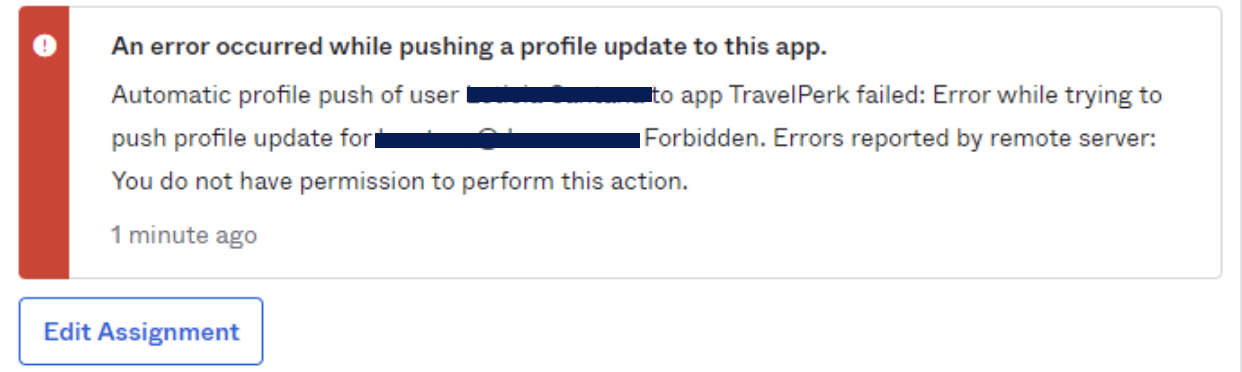
If this error appears, re-authenticate the Perk app so Okta can make requests on behalf of an active admin user.
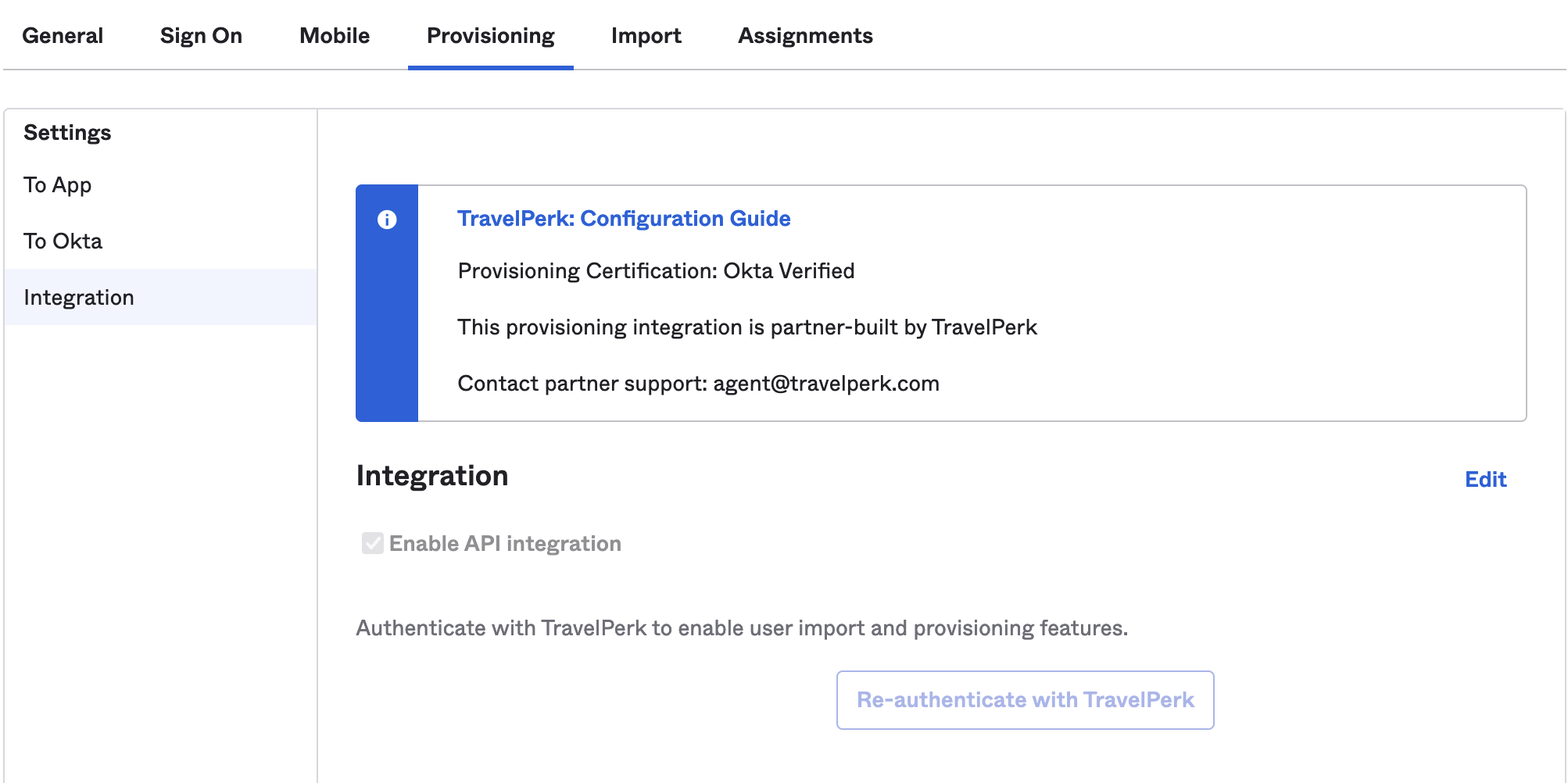
- Go to the TravelPerk application in Okta
- Under the Provisioning tab, select Integration
- Click Edit, then Re-authenticate
Next steps
Updated 4 months ago
Did this page help you?