

Enabling Pro in the sandbox environment
Developers can enable the Pro plan on their own to have a full platform experience.
This will allow working with all Open API interfaces (as some of them, like Expenses can only be used in Pro plan accounts) and using Webhooks
Don't worry, we don't charge for the use of our Pro or Premium pricing plans in our sandbox environment.
Enabling Pro plan
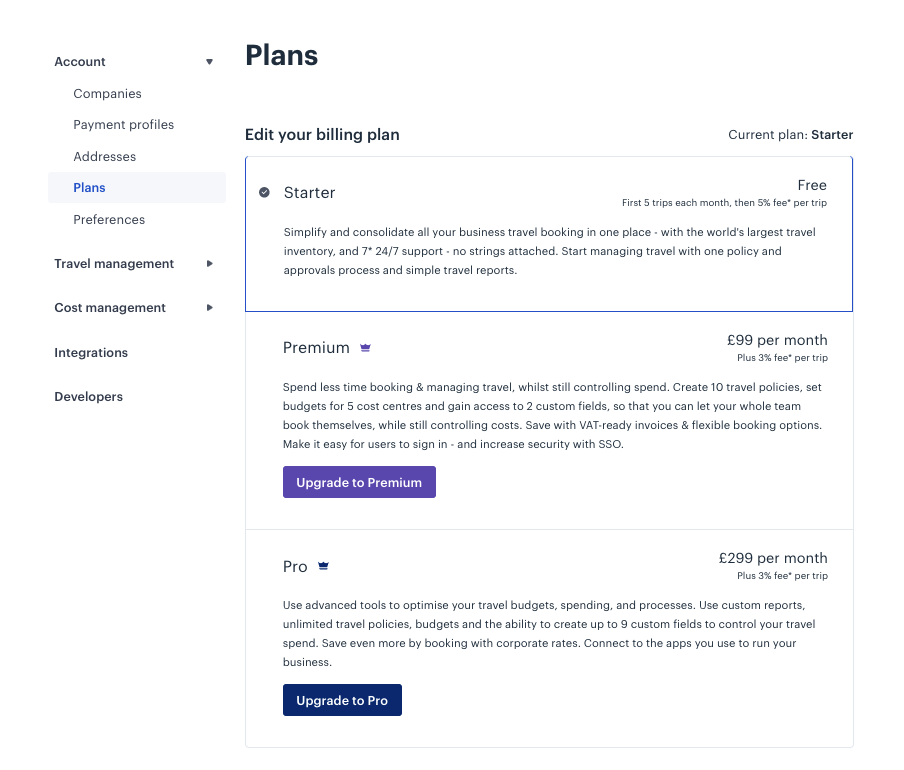
To enable the Pro plan follow these steps:
- Access the Plans* section, under Account Settings**
- Look for the Pro plan and click on the "Upgrade to Pro" button
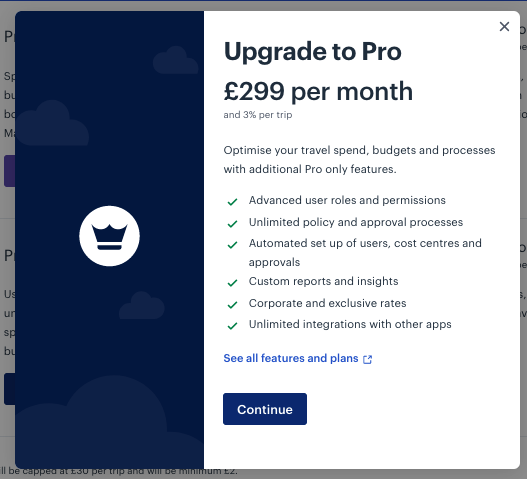
- In the confirmation pop up, click "Continue"
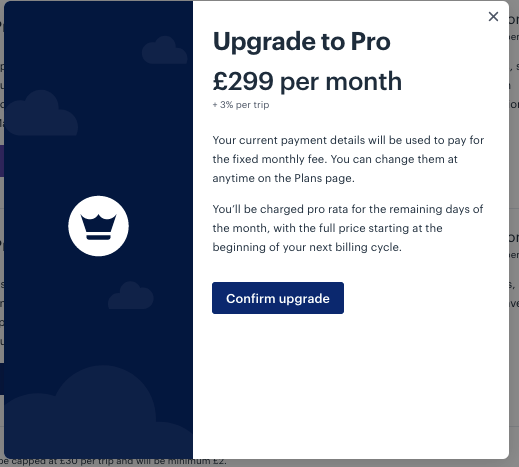
- Click "Confirm Upgrade"
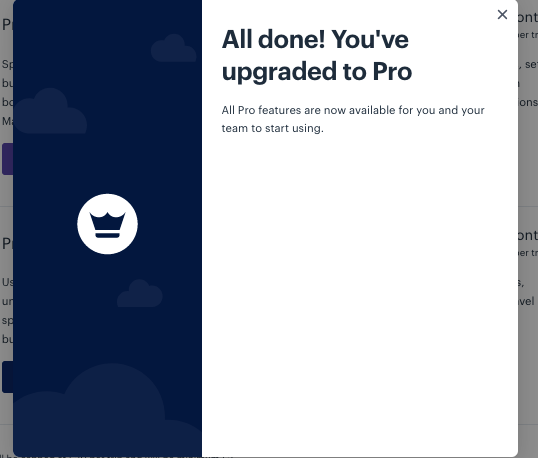
You are all set!
Updated over 1 year ago
Did this page help you?