

Cancelling inventory in Sandbox
Sandbox environment now allows cancelling bookings for all verticals (flights, hotels, cars and trains).
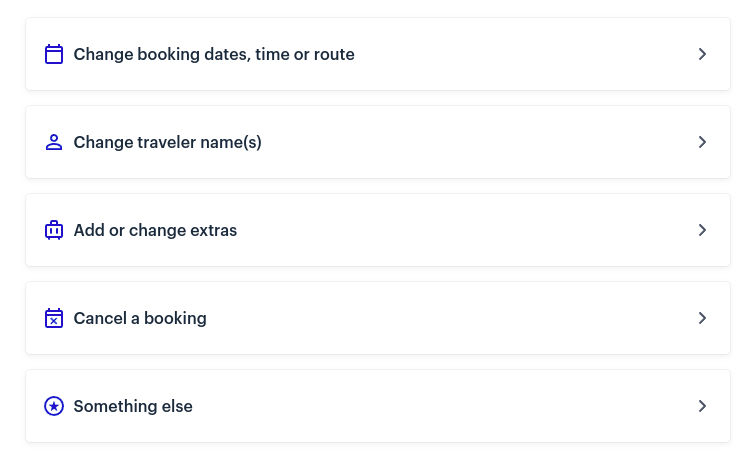
All you need to do is to go to your Trips, find the booking you would like to cancel, click on the Manage trip button underneath and choose 'Cancel a booking':
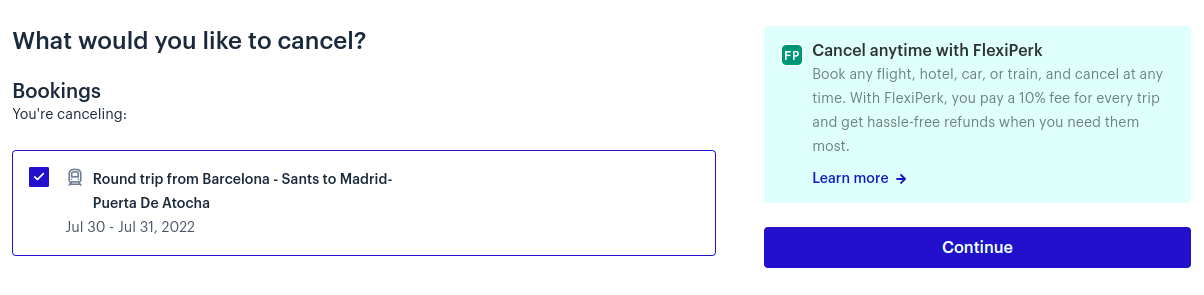
Then click Continue in the next screen:
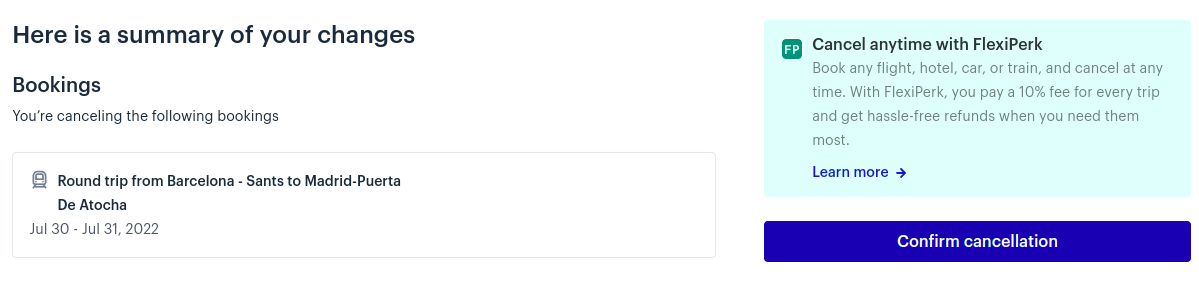
And Confirm cancellation:
Your trip will be cancelled successfully, any relevant webhooks you've created will fire, API responses will be updated and you will be able to see a 'Canceled' sign next to it in your Trips section:

Updated over 1 year ago
Did this page help you?