

When to use API keys
Use API keys if you're a Perk customer accessing your own Perk data.
Managing your API keys
Perk uses API keys to authenticate requests. Account admins can manage API keys in Settings > Developer > Travel tools.
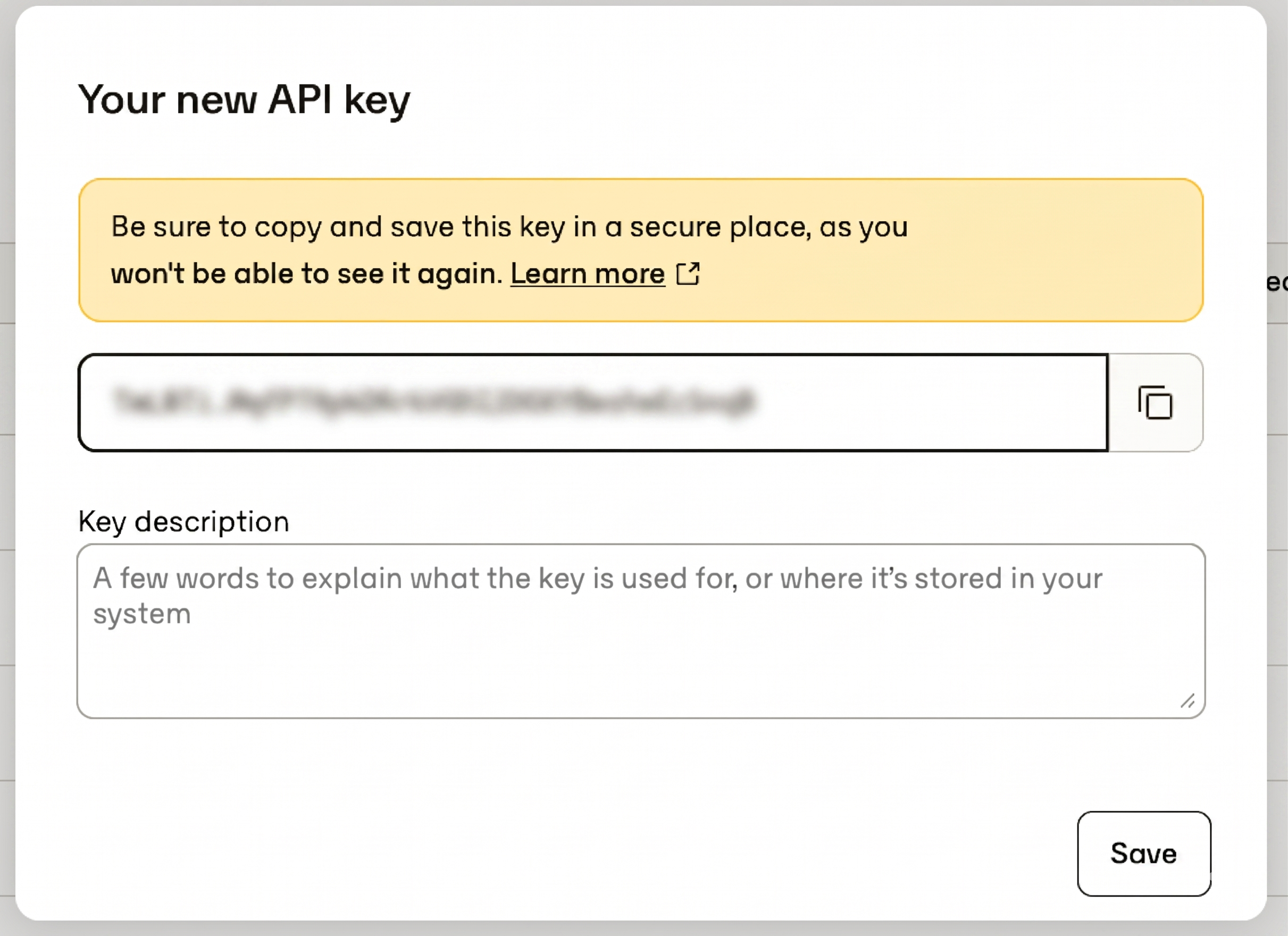
You can create any number of API keys and disable them at any time. The key value only appears once at the time of creation, so save it somewhere secure right away.
All API requests must be made over HTTPS. Calls made over plain HTTP or without authentication will fail.
Storing API keysAPI keys have the same access rights as an admin user in your company. Store them securely and don't share them in publicly accessible areas such as GitHub.
API keys are account-dependentAPI keys can only access the account from which they were created. For example, Sandbox API keys can only access that sandbox.
Using your API keys
Include it in an Authorization headerWhen using the API, include the key in an
Authorizationheader:Authorization: ApiKey <your_api_key>.
curl \
  --url "https://api.perk.com/invoices" \
  --header "Api-Version: 1" \
  --header "Authorization: ApiKey <your_api_key>"